

Essential Guide to Google Business Profile Optimization for Success
If you run a business and you still haven’t optimized your Google Business Profile (yes, the thing that shows up on Google Maps and the right-hand panel when people search your biz)… you’re basically leaving money on the table.
Or worse—handing it to your competitor across the street who figured it out before you.
I’m not exaggerating. Local search = customers.
And Google Business Profile optimization is the ticket to showing up where it matters: in the Local Pack (those 3 juicy listings at the top of local search results). If you’re not there, well, enjoy page two where no one looks.
Let’s dig into how to fully optimize your profile so you get more traffic, more calls, and yes, more actual customers walking through your door.
Google Business Profile Optimization
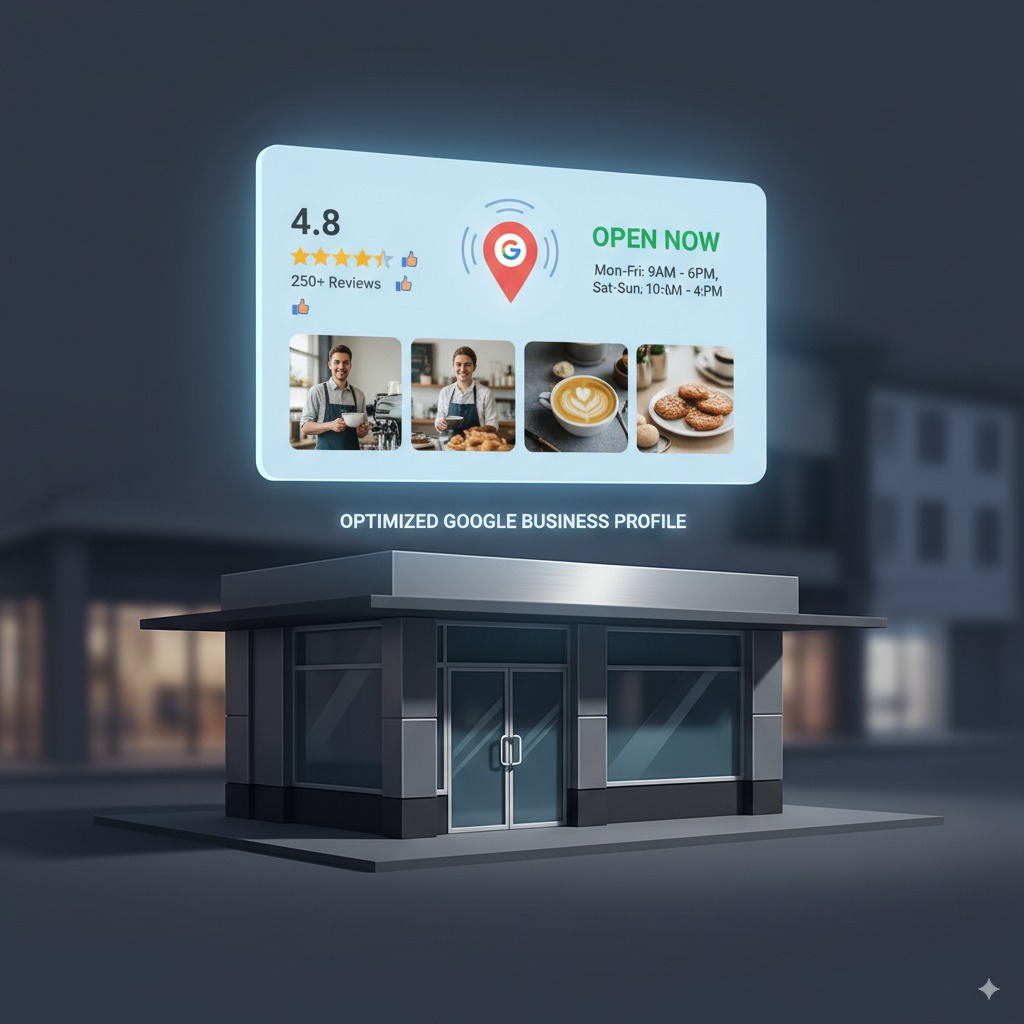
Think of Google Business Profile (GBP) like your business’s storefront on the internet. You wouldn’t leave your shop sign broken, your hours missing, and your windows covered in dust, right? Same rules apply here.
Optimizing GBP is not optional anymore—it’s survival. Customers are literally searching “plumber near me”, or “best coffee shop open now.” If your profile looks half-baked, they’ll scroll past you.
Here’s the official Google Business Profile help center if you want to see what Big G says. But let’s be real—most of it is bland. I’ll keep this practical.
Google Business Profile: The Basics
GBP (formerly Google My Business—because Google likes renaming stuff just to confuse us) is a free tool that lets you manage how your biz shows up on Google Search and Google Maps. Free is good. But free doesn’t mean worthless. The ROI from this freebie can be massive.
Here’s what you control:
Side note: I once saw a restaurant with no hours listed. Guess what I did? Went to the competitor who had their hours right there. It’s that simple.
Business Profile Setup (Do This First)
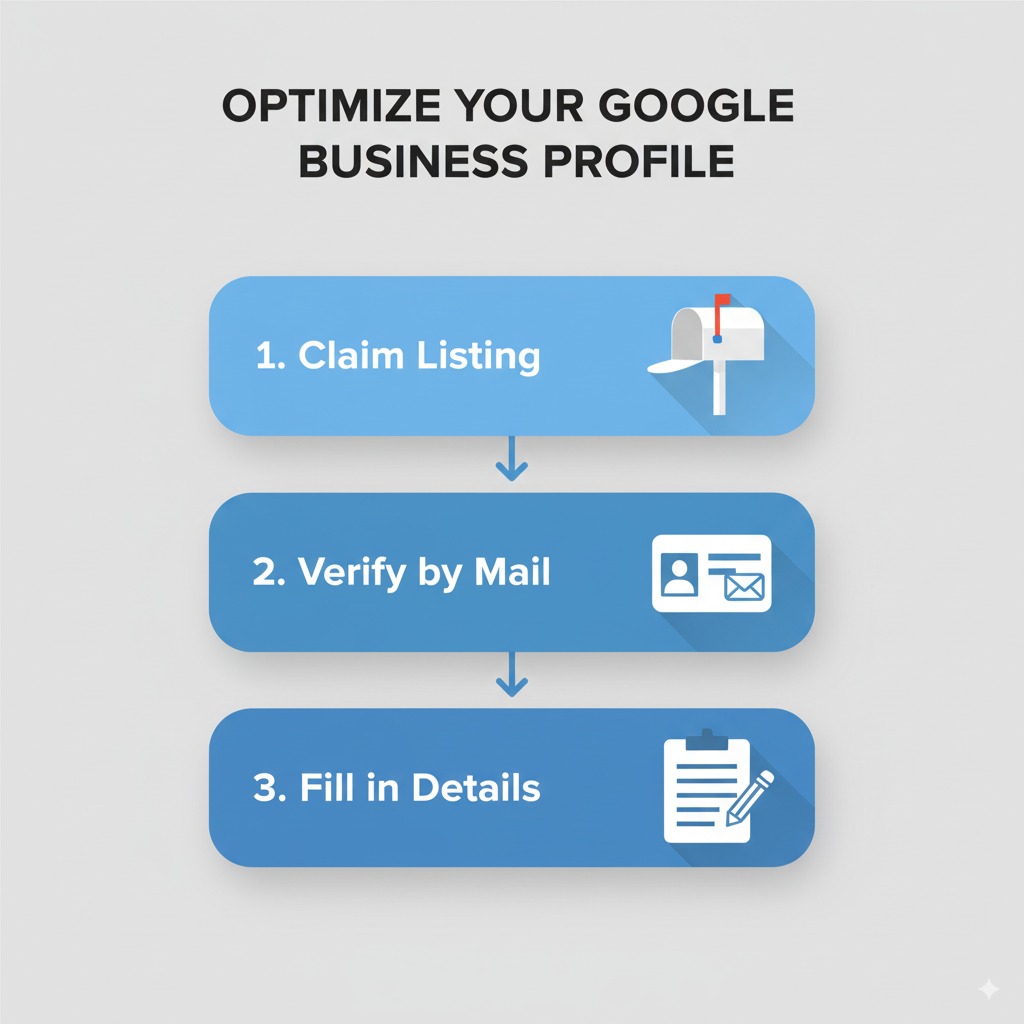
- Claim your listing: Go to Google Business Profile Manager and claim your biz. If someone else already claimed it (yes, it happens), you can request ownership.
- Verify your business: Usually by mail, sometimes by phone or email. Do it fast. Without verification, your edits don’t show up.
- Fill in every damn field: Categories, services, attributes (“women-owned,” “free Wi-Fi,” “wheelchair accessible”). These tiny details influence search visibility and customer trust.
Pro tip: Add secondary categories. Don’t spam, but do be specific.
Business Information Optimization
This part is not glamorous, but it’s the backbone. Google loves accurate info. Customers love accurate info. Win-win.
Think of this like Tinder for businesses—you’re trying to make a great first impression in seconds.
Google Maps & Local Search
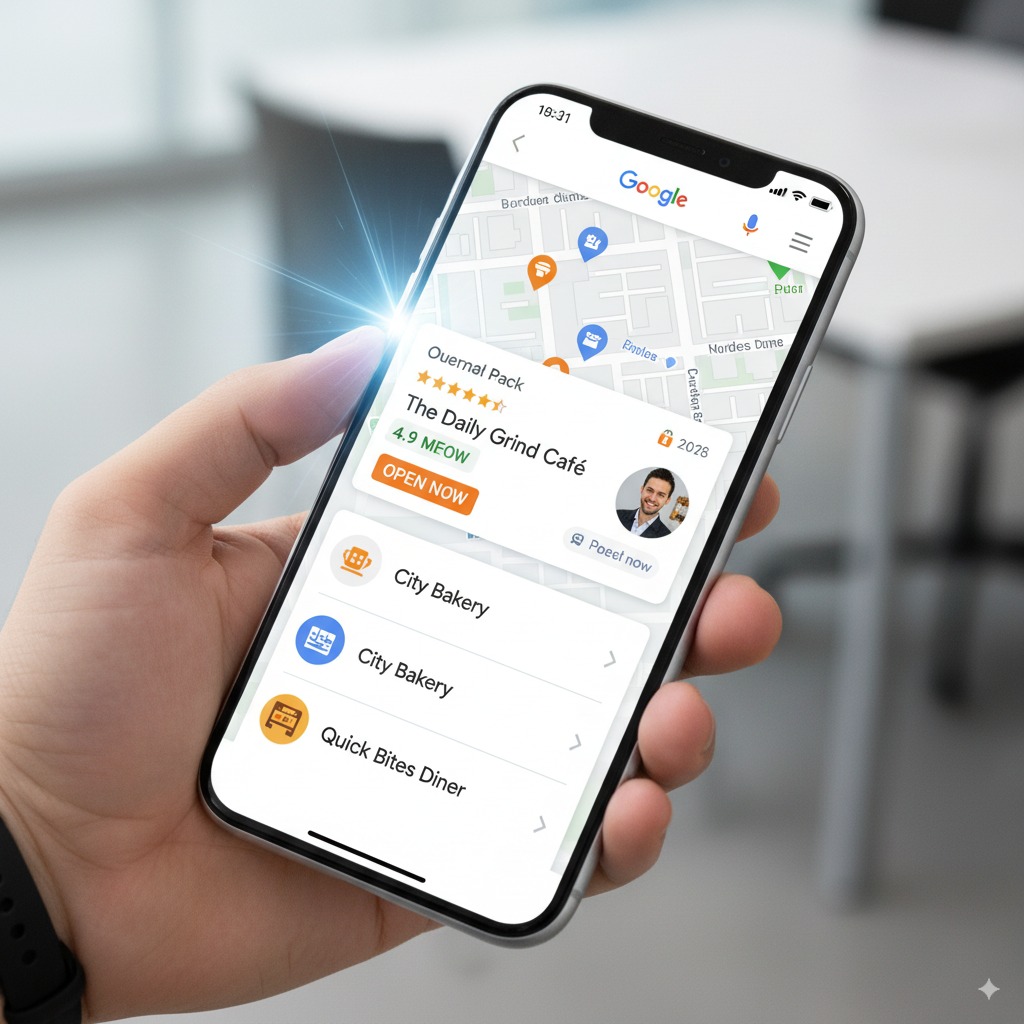
Your GBP directly ties to Google Maps visibility. When someone searches “coffee near me” on Maps, Google decides who to show based on:
You can’t move your store closer to the customer (unless you’re magic), but you can control relevance and prominence.
Photos, Videos & Media (Show, Don’t Tell)
Please, for the love of good marketing, upload real photos. Your storefront, your team, your products. High-quality. Bright lighting. Smile a little.
Businesses with photos get 42% more requests for directions and 35% more click-throughs to websites.
Ideas:
Side note: Don’t upload blurry, low-res junk. It screams “we don’t care.”
Google Posts (Underrated but Powerful)
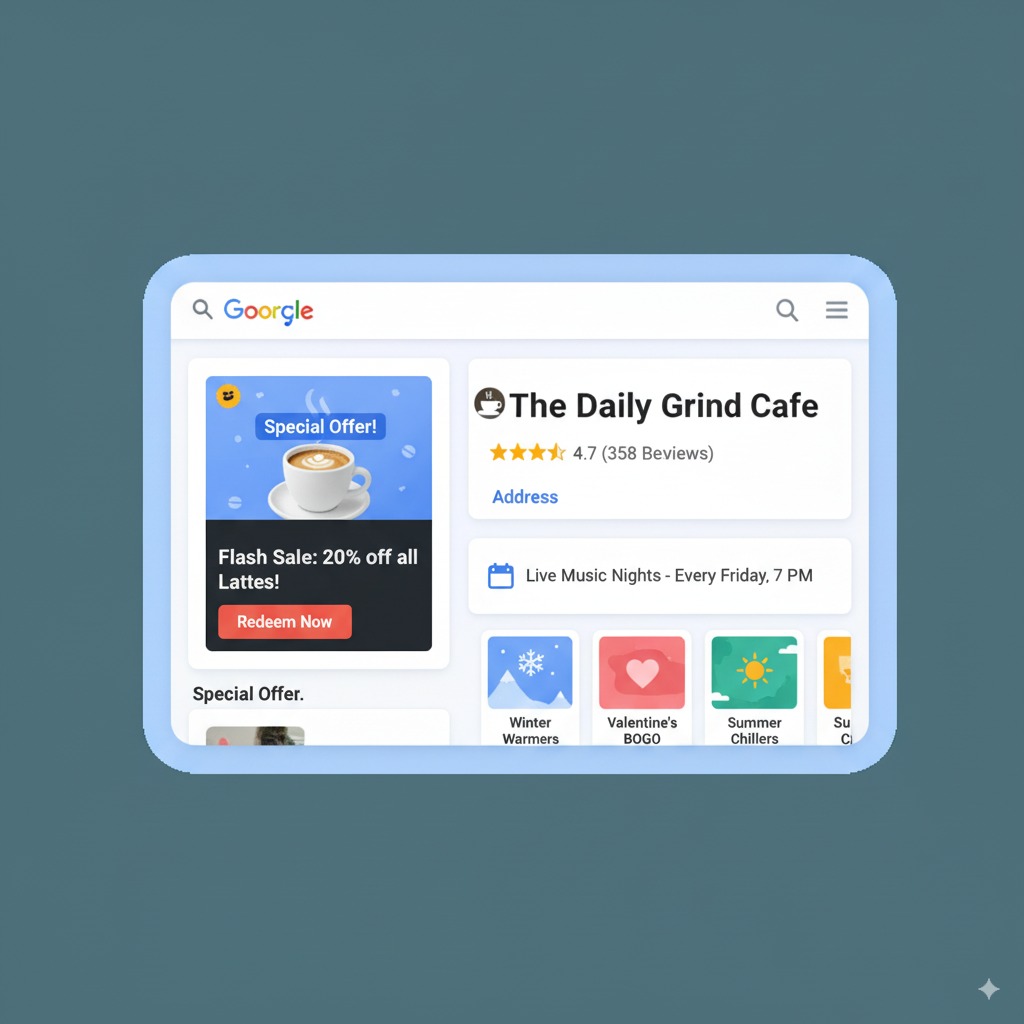
Think of Posts like micro content. You can promote:
Posts appear directly on your profile. They’re free. And they keep your profile looking alive (Google likes freshness).
Pro tip: Post weekly. Doesn’t have to be fancy. Even “We’re open this Sunday for Mother’s Day brunch—call to book!” works.
Positive Reviews
Here’s the game plan:
And no, don’t fake reviews. Google’s smarter than you think. Plus, it’s shady.

I’ve seen businesses with gorgeous websites but a half-empty Google profile. Guess who ranks? Not them.
Adding photos of your staff makes people weirdly trust you more. Psychology 101.
Don’t keyword-stuff your business name. Google hates it. Example: “Bob’s Pizza Best Pizza in Chicago Open Late Delivery” will get flagged.
If you’re lazy, hire someone to manage this. It’s worth every penny.
Business Category Selection
Choosing the right primary category is a huge deal. It defines where you’ll show up.
Examples:
Too broad? You drown in competition. Too narrow? You miss searches. Pick wisely.
Here’s a handy list of Google Business categories updated regularly.
Action Plan: How to Fully Optimize
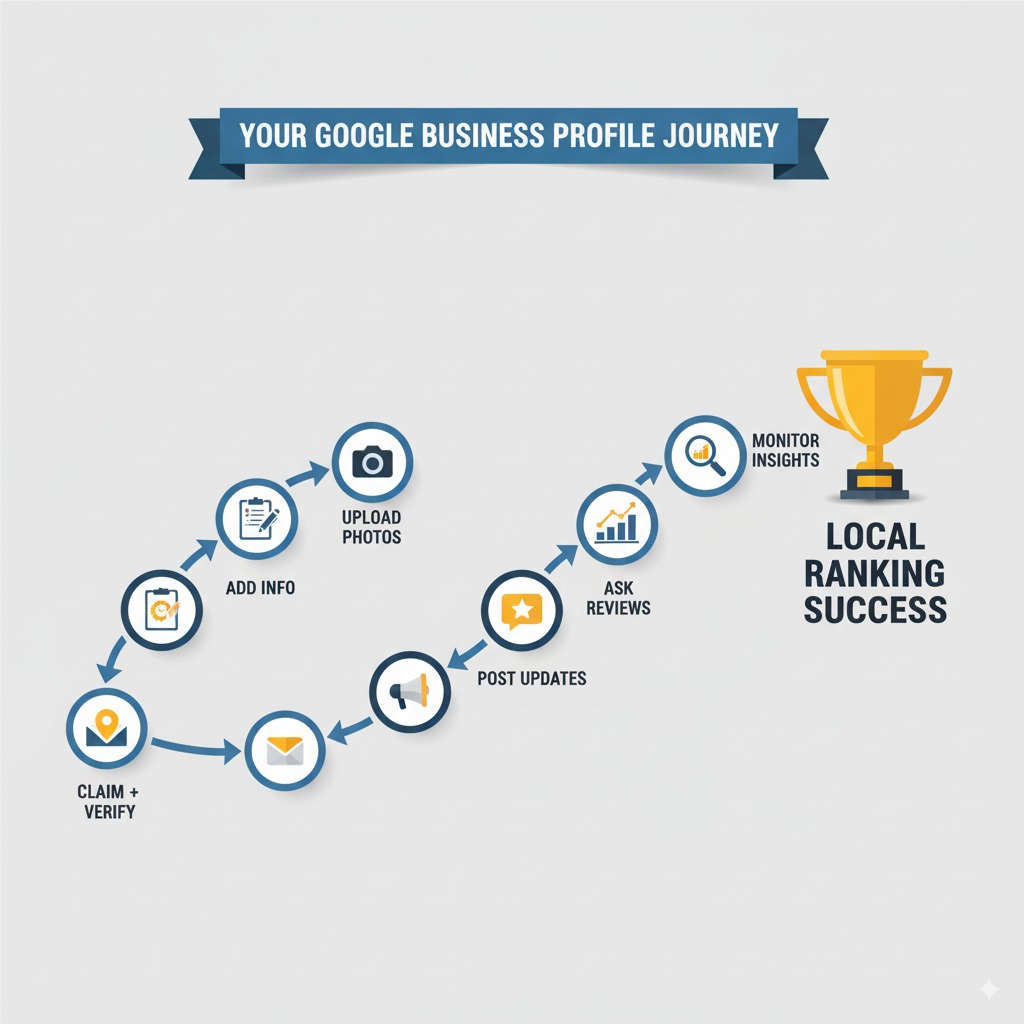
- Claim + verify profile.
- Fill in all business info (NAP, hours, description).
- Upload 10–20 high-quality photos + logo.
- Pick the right categories.
- Post weekly updates/offers.
- Ask for reviews (make it part of your workflow).
- Monitor Insights in GBP dashboard (calls, clicks, directions).
- Keep info updated monthly.
Consistency wins. Don’t set it and forget it.
FAQs About Google Business Profile Optimization
Q: How long does it take to see results after optimizing GBP?
A: Usually 2–4 weeks. Sometimes faster. Depends on competition.
Q: Do I need a website if I have a Google Business Profile?
A: Yes. GBP is powerful, but your website builds credibility and captures traffic.
Q: What’s the difference between primary and secondary categories?
A: Primary = your main thing. Secondary = supporting services. Don’t overdo it.
Q: Can I run Google Ads without a Google Business Profile?
A: You can, but you’ll miss out on Local Services Ads and map-based ads. So, it’s dumb not to.
Q: Should I respond to negative reviews?
A: Yes. Always. Be polite, professional, and address concerns. Future customers will judge you more by your response than the review itself.
Wrap-Up
Google Business Profile optimization isn’t rocket science. It’s more like housekeeping. Keep your info clean, keep it updated, and keep engaging. Do that, and you’ll see:
- Higher local rankings
- More calls
- More traffic
- More customers (aka money in your pocket)
Ignore it? Well, then don’t be surprised when your competitor down the street is raking in customers you could’ve had.
Your move.