

Best Strategies to Rank Higher on Google Maps for Local Success
You probably didn’t land on this blog because you love reading about SEO. You’re here because you typed “how to rank higher on Google Maps” into (ironically) Google Search and now you’re wondering why your business isn’t popping up in that little three-pack box — the Google Maps Pack — when people in your town are searching for the thing you literally sell.
And I get it. It’s frustrating. You’ve got competitors who barely know how to spell “SEO” outranking you, and you’re left scratching your head like, what the heck is going on?
I’m gonna break this down for you.
Let’s dive in.
Rank Higher on Google Maps: Why It Actually Matters
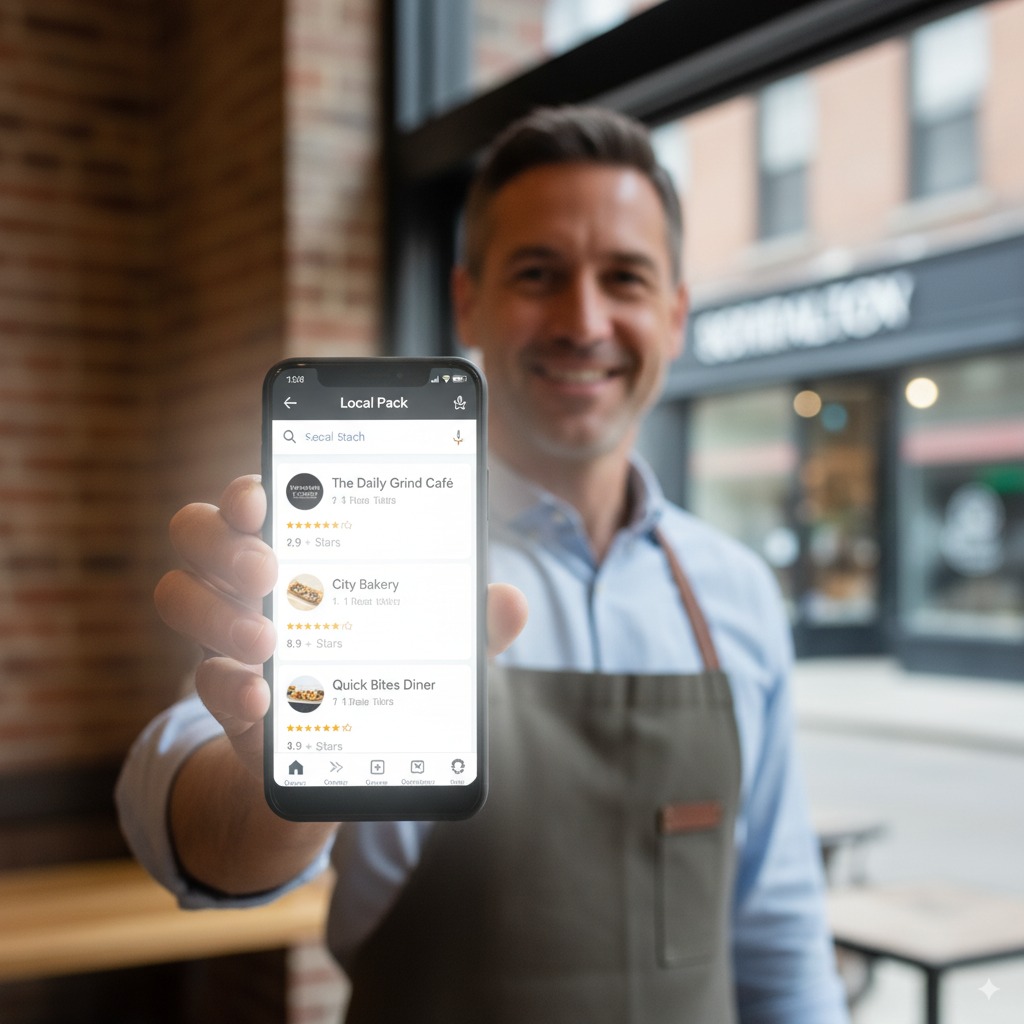
I’ve worked with enough local businesses (dentists, roofers, HVAC guys, lawyers — you name it) to tell you this: ranking higher on Google Maps is the difference between your phone ringing and your phone collecting dust.
Most local searches — like “ “best coffee shop in Brooklyn” — happen on mobile devices, and Google pushes that Maps Pack right at the top of the page. People don’t even scroll down to the organic search results anymore.
 Moz has a great breakdown if you wanna geek out on how local SEO works, but here’s the human version:
It’s not rocket science, but there are ranking factors you can actually control.
Google Maps (and Why It’s Basically Free Marketing)
Here’s the thing: Google Maps isn’t just about directions anymore. It’s become a crucial marketing tool. People trust it like gospel.
Think about it: when’s the last time you searched “pizza near me” and then scrolled past the Google Maps listing to page two of Google? Exactly. Never.
So if your business listing isn’t optimized, you’re basically invisible. And invisibility doesn’t pay the bills.
Google Maps Ranking: The Secret Sauce
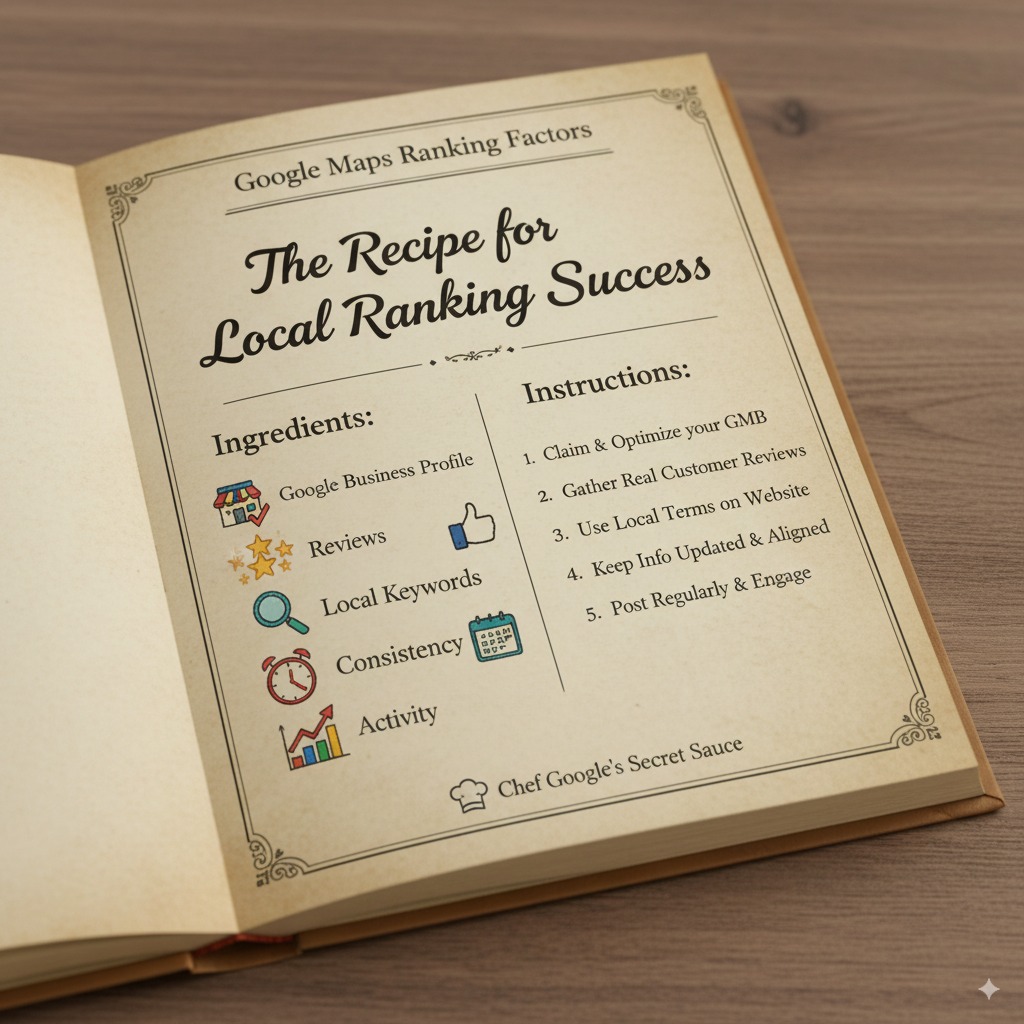
Okay, no actual “secret sauce,” but here are the main Google Maps ranking factors that I’ve seen move the needle for real clients:
- Google Business Profile (GBP)
- If you haven’t claimed and verified your Google Business Profile account, please stop reading and do that now. Seriously.
- Add your business information: name, address, phone number, business hours, website, etc.
- Choose the right primary category. It matters more than you think.
- Google Reviews = Street Cred
- Positive reviews boost your Google Maps ranking.
- Negative reviews? They suck, but responding to them like a decent human actually helps.
- Pro tip: ask your happy customers for reviews (don’t bribe them — Google hates that).
- Local Keywords Everywhere
- Sprinkle local keywords in your website content and GBP description.
- Example: “affordable dentist in Austin” instead of just “dentist.”
- Don’t overdo it — keyword stuffing is like wearing too much cologne.
- Consistency Across Directories
- Your business name and info should match everywhere — Yelp, Facebook, local directories, etc.
- Inconsistent info = Google gets confused = your ranking tanks.
- Activity = Relevance
- Use Google Posts to update your Google Business Profile listing.
- Add fresh photos (yes, people look at them).
- Answer questions from customers.
Local Businesses: Your Competition Is Closer Than You Think
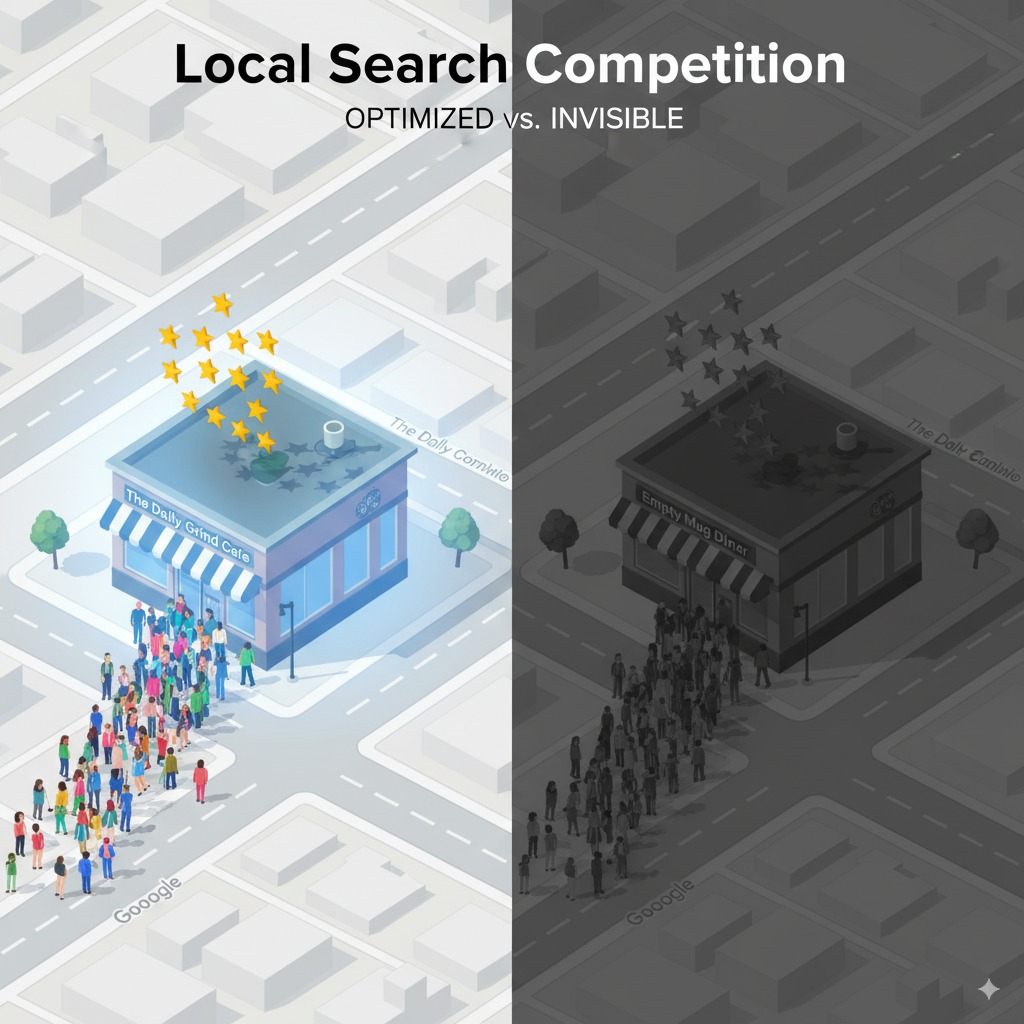
Here’s a fun (read: depressing) stat: most local searches occur within 5 miles of the searcher’s physical location.
Translation? If your competitor two blocks away has more reviews and a better Google Maps business listing, they’re going to show up before you.
Doesn’t matter if you’ve been in business 20 years. Google cares about relevance, distance, and prominence — not how many flyers you’ve mailed
Search Engines Don’t Sleep (So Neither Should Your Local SEO)
Most local businesses don’t get: search engines like Google are basically judging you 24/7. If your info is stale, or you’ve ignored reviews, or your website content is outdated, your competitors will eat your lunch.
And no, you can’t just set it and forget it. This is an ongoing game. You’ve gotta monitor your local ranking, track your Google Maps SEO, and adjust.
Tools I swear by:
Local SEO Strategies That Actually Work
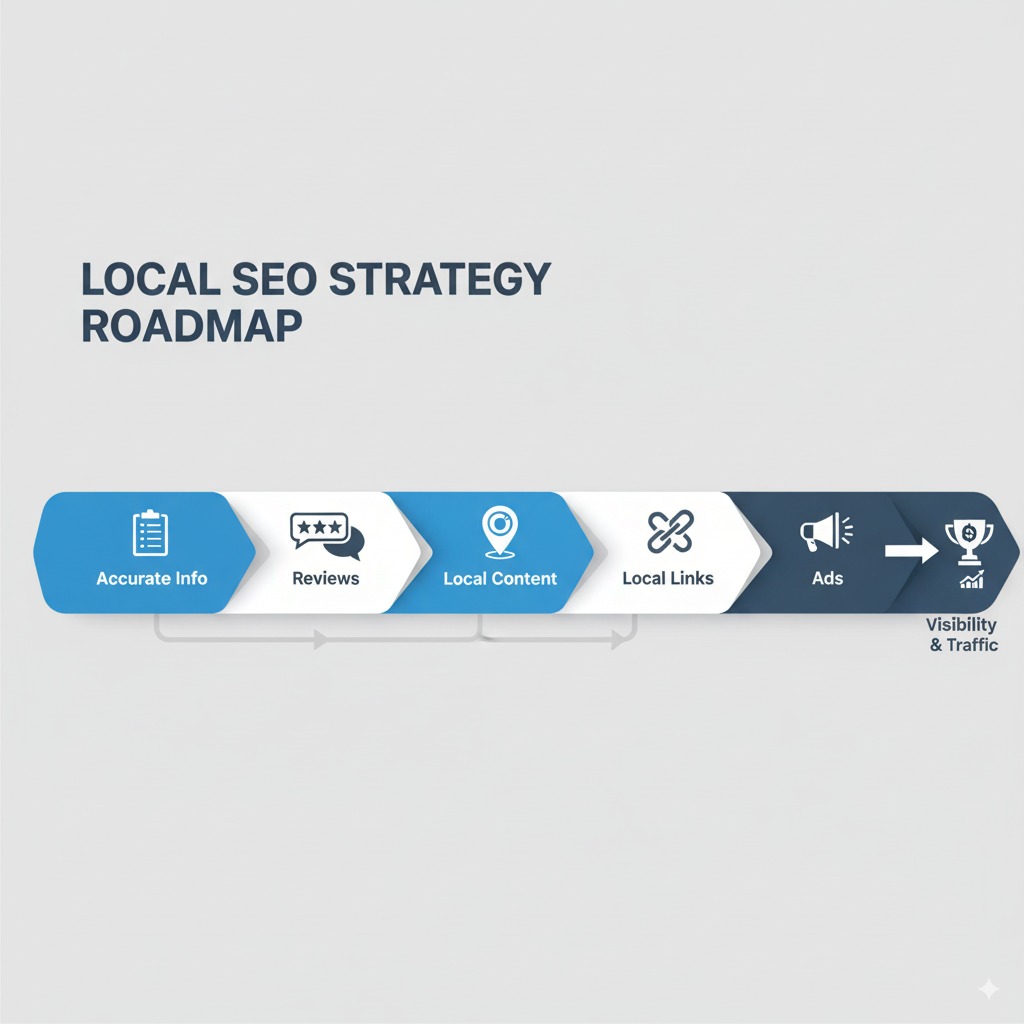
Alright, here’s the meat and potatoes.
1. Get Your Business Info Tight
2. Encourage Reviews Like It’s Your Job
3. Local Content = Big Win
4. Build Local Links
5. Play With Ads (If You’ve Got Budget)
Customer Traffic: The End Goal
At the end of the day, ranking higher on Google Maps isn’t about bragging rights. It’s about customer traffic. Real people walking into your business stand or calling your number.
So yeah, it’s worth the time, money, and occasional hair-pulling.
Business Information: Don’t Screw This Up
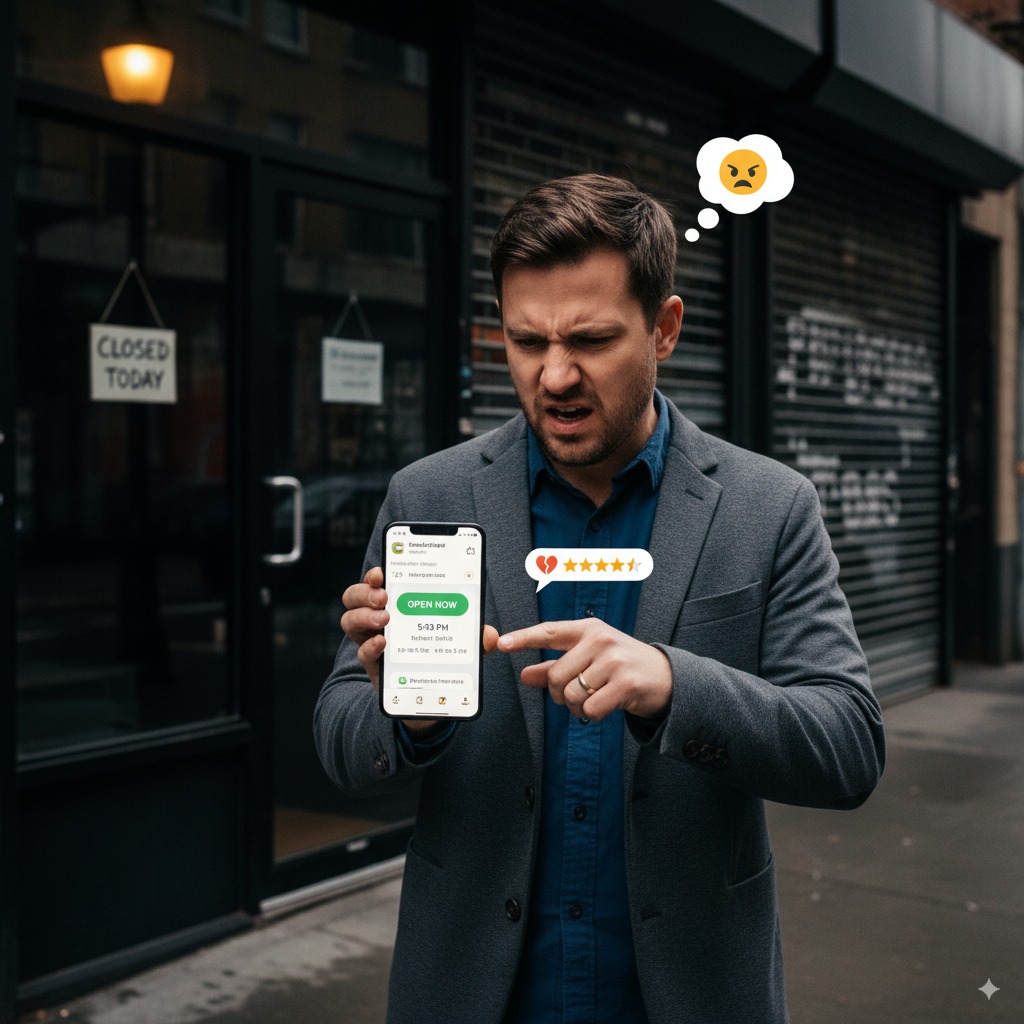
Seriously, nothing kills your Google Maps listing faster than wrong info. Imagine someone driving across town because your listing says you’re open, only to find the lights off.
Guess what happens next? Negative review. And those tank your Google maps ranking faster than you can say “oops.”
Google Maps Pack: The Holy Grail
That little local pack of three businesses at the top of Google search results? That’s where you wanna be.
Because let’s face it: most people never click “more businesses.”
So yeah, it’s cutthroat, but with the right local SEO strategies, you can climb in.
Google Business Profile Listing: Treat It Like a Website
Think of your Google Business Profile listing as a mini-website.
It’s not “set it and forget it.” It’s “update it or disappear.”
Potential Customers Don’t Wait
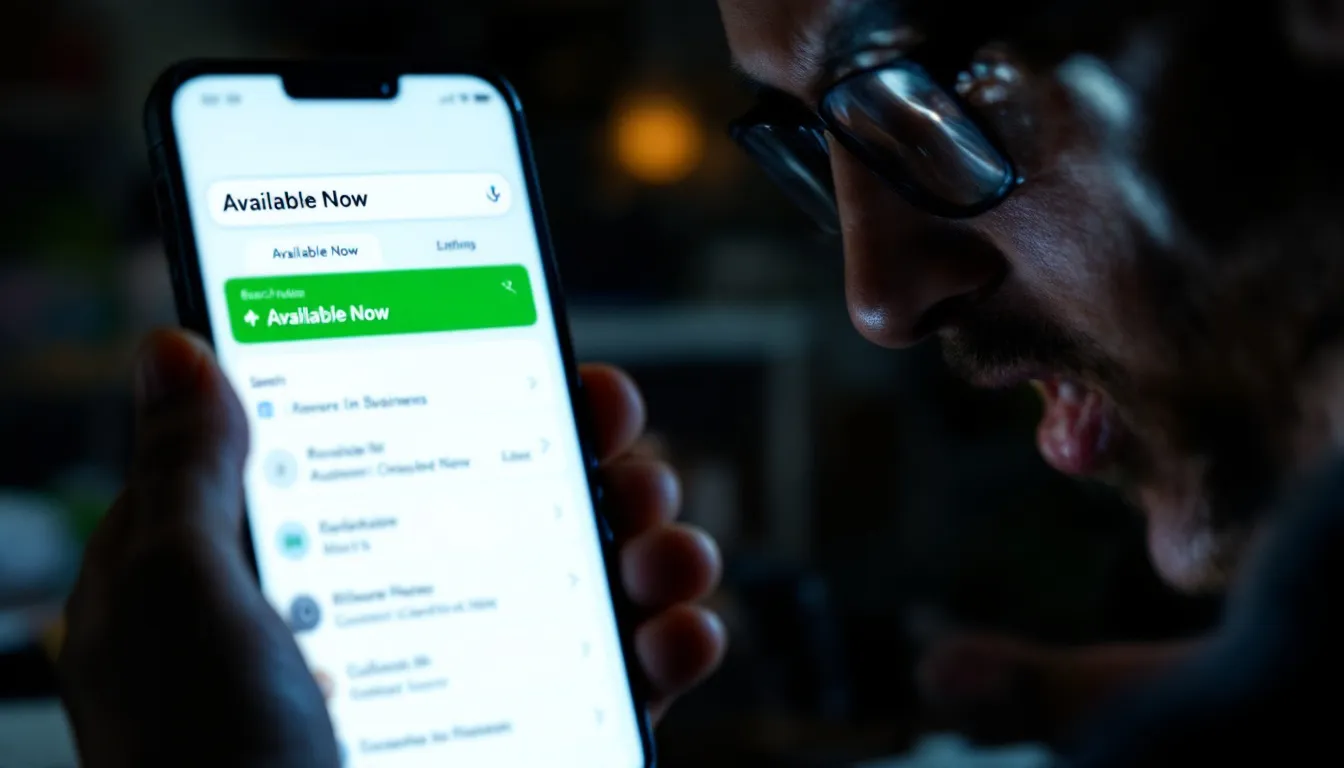
When people search on the Google Maps app, they’re ready to buy. They’re not casually browsing.
So if your listing is half-empty or buried on page two, you’re basically telling them: “Go spend money with my competitor instead.”
Search Results: Your Reality Check
Look, you can’t argue with search results. They don’t care about your excuses.
You either show up in the Google maps pack, or you don’t. And if you don’t, you’re invisible.
FAQs About Ranking Higher on Google Maps
Q: How long does it take to rank higher on Google Maps?
A: Depends. If your business information is a hot mess and you’ve got 2 reviews, it could take months. If you’re already solid, sometimes you see movement in weeks.
Q: Do I need a website to rank in Google Maps?
A: Technically, no. But having a well-optimized site with local keywords massively helps your Google maps SEO.
Q: Can I rank multiple business locations?
A: Yep. Just make sure each location has its own Google business profile account, accurate info, and reviews.
Q: Are Google Ads worth it for Maps?
A: If you’ve got budget and need calls now, yes. But don’t rely on ads alone. Build your organic local ranking too.
Q: What’s the #1 ranking factor?
A: Honestly? Positive reviews + consistency. Google loves active, well-reviewed businesses.
Final Thoughts (aka the Ranty Wrap-Up)
If you’ve skimmed all this (I know you did), here’s the TL;DR:
- Claim and optimize your Google Business Profile.
- Nail your business information.
- Collect more reviews.
- Use local keywords.
- Keep your profile active.
Do those five things and you’ll rank higher on Google Maps, get more calls, and maybe even stop yelling at your laptop.
And hey, if you’re still lost, don’t be afraid to call in local SEO services. Sometimes it’s easier to let the nerds handle it while you run your business.
Want to dive deeper? Check out:
- Google’s own guidelines (yes, they actually give away the playbook).
- Whitespark’s Local Ranking Factors (nerdy but gold).
Now go fix your damn listing.